
Ed Tech Blog
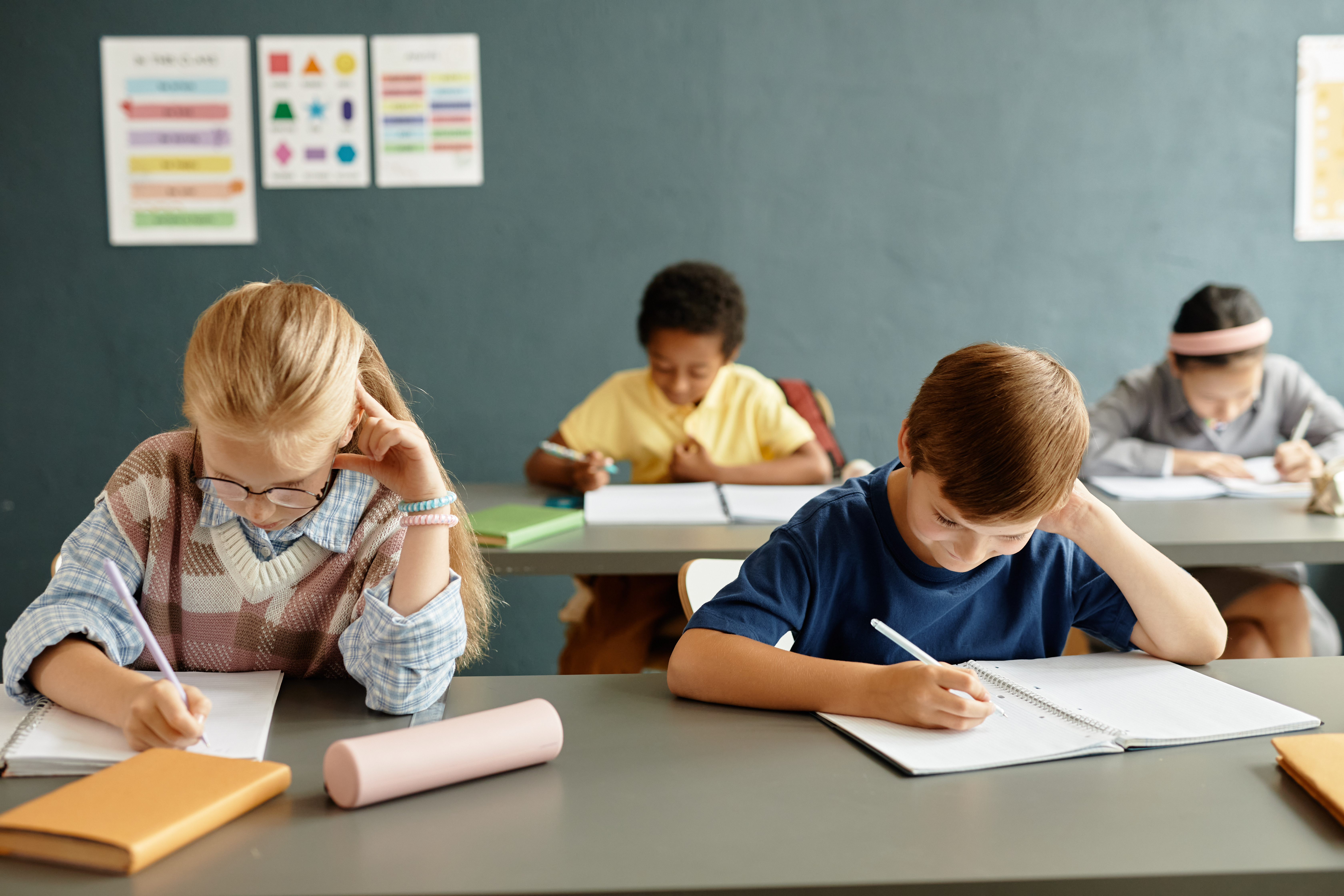
The first moments of the school day carry tremendous influence. They set the emotional tone, establish expectations, and shape how students approach learning for the hours ahead. In many classrooms, mornings are rushed and reactive. Students arrive with varying energy levels, unfinished conversations, and emotional experiences from home. Teachers often feel pressure to begin instruction immediately in order to maximize academic time. Yet research and classroom experience consistently show that a calm and intentional start can significantly enhance engagement, focus, and overall classroom climate.
Transforming the morning routine does not require elaborate programs or extended blocks of time. Instead, it calls for a shift in mindset. When educators intentionally design the first ten to fifteen minutes of the day as a period of transition rather than immediate instruction, they create space for students to regulate their emotions, reconnect with peers, and mentally prepare for learning. Calm mornings are not a loss of instructional time. They are an investment in it.
Understanding the Transition From Home to School
Students do not arrive at school as blank slates. They bring with them family dynamics, social pressures, responsibilities, and sometimes stress. Younger children may struggle with separation from caregivers. Older students may be preoccupied with friendships, academic concerns, or responsibilities outside of school. Without a structured transition, these emotional and cognitive loads can interfere with attention and participation.
A calm morning routine acknowledges this reality. It allows students to shift gradually from their home environment into a learning mindset. This transition supports emotional regulation, which is closely tied to academic performance. When students feel grounded and secure, they are more capable of processing new information, engaging in complex thinking, and collaborating effectively with peers.
Creating Predictable and Welcoming Routines
Consistency is central to establishing calm mornings. Students thrive when they know what to...
Read more: Setting the Tone for Success: The Impact of a Calm Classroom Start

Reliable communication has always been one of the most persistent challenges in K–12 education. In increasingly diverse school communities, students and families often speak a wide range of home languages. While this linguistic diversity enriches classrooms culturally and intellectually, it can also create barriers that affect academic progress, family engagement, and student well-being. When students struggle to fully understand classroom instruction or when families cannot access important school information, the consequences are significant.
Advances in artificial intelligence are beginning to transform this landscape. AI-powered translation tools are making real-time, accessible communication more achievable than ever before. As these technologies become more reliable and widely adopted, they are opening new doors for students, families, and schools.
Supporting Student Learning in the Classroom
In the classroom, language access is directly tied to academic opportunity. Students who are developing proficiency in the language of instruction often face the dual challenge of learning new content while simultaneously acquiring a new language. Even when they possess strong prior knowledge, limited language comprehension can hinder participation, confidence, and performance.
AI translation tools can provide immediate support. Teachers can translate instructions, assignments, and feedback into students’ home languages with greater speed and ease. Students can use translation...

In classrooms around the world, students are increasingly expected to engage with complex texts and produce writing that reflects nuanced, analytical thinking. For multilingual students in particular, the challenge is not only to understand sophisticated ideas but also to express them clearly and cohesively in an additional language. Even when these students possess strong conceptual understanding, they may struggle to organize their thoughts, elaborate on their reasoning, and connect ideas logically within a paragraph.
A carefully designed scaffolding strategy can make this process visible and manageable. By offering explicit instruction on how to develop each part of a paragraph and link one idea to the next, teachers can empower multilingual learners to move from fragmented statements to coherent, persuasive writing. This approach does not simplify the intellectual demand of the task. Instead, it equips students with the linguistic and structural tools necessary to express complex ideas with confidence.
Understanding the Nature of Complexity in Writing
Complex writing is characterized by clarity of purpose, depth of explanation, and logical progression of ideas. A strong analytical paragraph typically introduces a central claim, supports it with evidence, explains the significance of that evidence, and connects the discussion back to the broader argument. Each...
Read more: From Ideas to Coherence: A Structured Approach to Developing Analytical Paragraphs

Middle school classrooms are vibrant, complex environments where students arrive with varying academic backgrounds, interests, readiness levels, and learning preferences. At this developmental stage, learners are forming identities, building independence, and deepening cognitive abilities. A one-size-fits-all approach to instruction often fails to meet these diverse needs. Differentiated instruction offers a responsive framework that allows teachers to adjust content, process, product, and learning environment in ways that maximize student growth.
Differentiation does not mean creating thirty different lesson plans. Rather, it involves thoughtful planning, ongoing assessment, and strategic flexibility. The following step-by-step plan provides a practical and manageable approach for middle school teachers who want to implement differentiated instruction in a structured and sustainable way.
Step One: Clarify Learning Goals
Effective differentiation begins with clarity. Teachers must first identify what students should know, understand, and be able to do by the end of a lesson or unit. Clear learning objectives serve as the anchor for all instructional decisions.
When goals are precise and focused on essential standards, teachers can distinguish between what is non-negotiable and what is flexible. The core objective remains constant for all students, while the pathways toward achieving that objective may vary. This clarity ensures that differentiation enhances...
Read more: Meeting Diverse Needs: A Step-by-Step Framework for Middle School Differentiation

Classroom observations have long been a central component of instructional leadership. In many schools, however, they are often perceived as evaluative events designed to judge teacher performance rather than as opportunities to strengthen teaching and learning. When observations become high-stakes and compliance-driven, they can generate anxiety and defensiveness, limiting their potential impact. The Inside-Out method offers an alternative approach that shifts the focus from evaluating teacher behavior to examining student learning. By centering observations on what students are doing, saying, and understanding, administrators can provide more meaningful, actionable feedback while fostering a culture of professional growth.
The Inside-Out method reframes classroom visits as brief, low-stakes learning inquiries. Instead of entering a classroom with a checklist of teacher moves, administrators enter with questions about student thinking. What evidence shows that students understand the objective? How are they engaging with the content? What misconceptions are emerging? This shift in perspective transforms the observation process into a collaborative effort to improve instructional practice.
From Teacher Performance to Student Learning
Traditional observation models often emphasize teacher actions. Observers note whether objectives are posted, whether questioning techniques are effective, and whether classroom management is orderly. While these elements matter, they are only meaningful insofar as...

Reading comprehension is often taught as a process of identifying main ideas, recalling details, and making inferences. While these skills are essential, they do not fully capture how readers come to understand the deeper intentions behind a text. One of the most powerful yet frequently overlooked elements of comprehension is tone. Tone reveals how an author feels about the subject and subtly guides how the reader should feel in response. When students learn to recognize tone, they move beyond surface-level understanding and begin to engage with texts in more thoughtful and analytical ways.
Tone functions as the emotional and attitudinal layer of writing. It is conveyed through word choice, sentence structure, imagery, and stylistic decisions that signal the writer’s perspective. Without explicit instruction in tone, students may interpret texts in flat or literal ways, missing the nuance that gives writing its richness. Teaching tone allows students to read with greater sensitivity to language and to interpret texts with a more critical and empathetic lens.
Why Tone Matters for Comprehension
Students often struggle to explain why a passage feels humorous, serious, critical, or hopeful. They sense something about the writing but lack the vocabulary and framework to articulate it. This gap...
Read more: Teaching Tone to Transform How Students Read and Write