
Ed Tech Blog
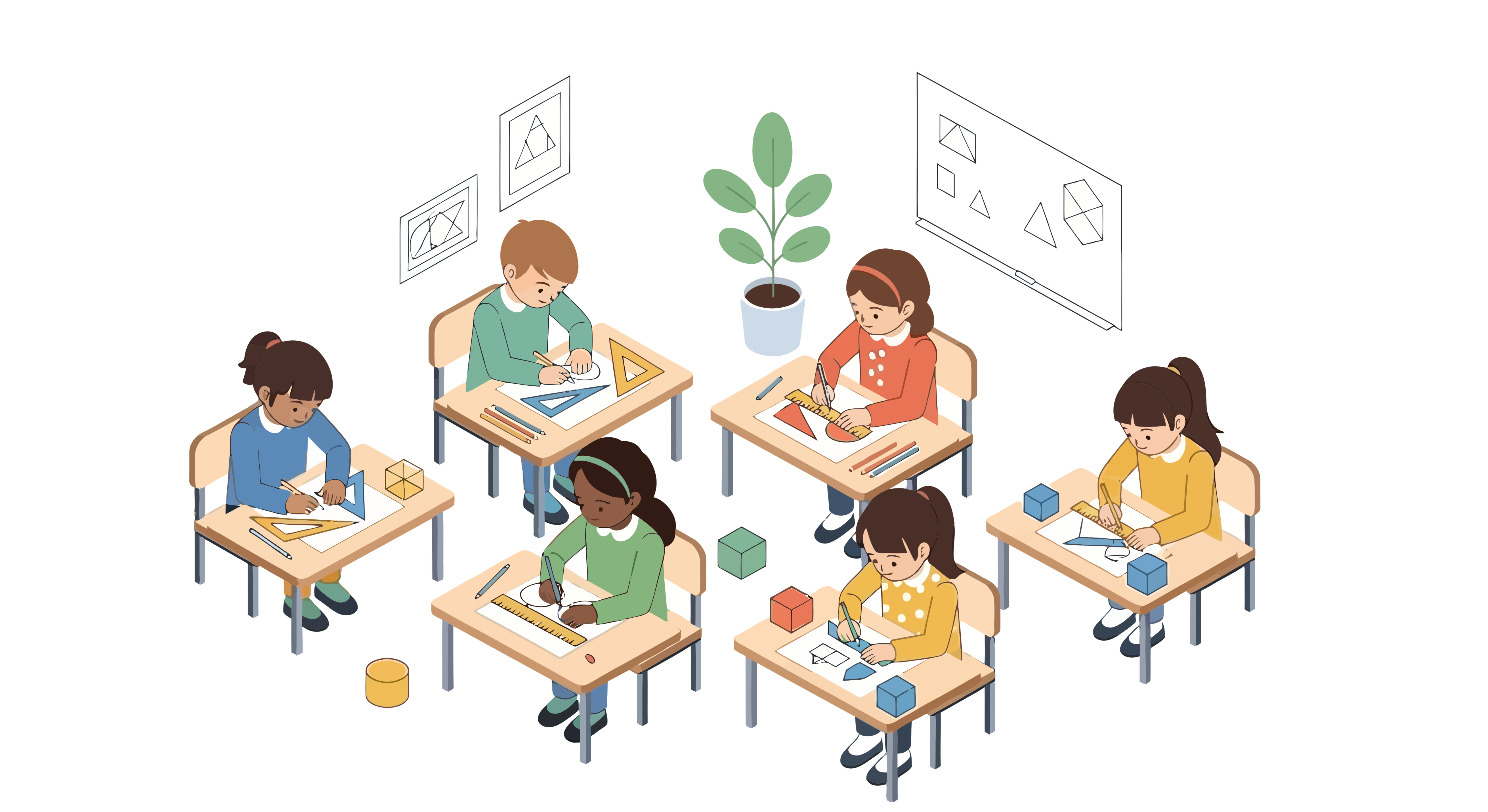
For generations, teachers have associated a quiet classroom with control, focus, and productivity. The image of students sitting neatly in rows, working silently on their assignments, has long represented the traditional ideal of effective classroom management. However, as educational philosophies evolve, it is becoming increasingly clear that silence does not always equal learning. In fact, the most dynamic and engaging classrooms are often filled with the sounds of discussion, collaboration, and curiosity.
The Myth of the “Quiet Equals Productive” Classroom
The idea that silence represents learning is deeply rooted in traditional teaching practices. Historically, classrooms were designed for direct instruction—teachers talked while students listened. In that model, quietness indicated attention, respect, and discipline. But as education has shifted toward student-centered learning, the indicators of success have changed as well.
Today, learning is recognized as a social and interactive process. Students build understanding by asking questions, discussing ideas, and working together to solve problems. In this context, noise is not a distraction—it is evidence of engagement. A classroom filled with the hum of conversation often reflects collaboration, creativity, and critical thinking in action.
That said, productive noise differs from disorder. The goal is not to abandon structure or let volume spiral out of control, but to recognize that meaningful learning environments often sound different from the silent classrooms of the past.
Understanding What Productive Noise Looks Like
To a new teacher, a room full of chatter can feel unsettling. It may seem as though students are off-task or not paying attention. Yet, productive noise has distinct characteristics. It is purposeful, connected to learning objectives, and typically involves students interacting with one another about the task at hand.
For instance, when students are debating interpretations of a poem, explaining math strategies, or collaborating on a group project, the classroom will naturally be...
Read more: How Active Learning Challenges the Myth of the Quiet Classroom

In K–12 education, technology has become inseparable from teaching, learning, and administration. Classrooms rely on laptops, tablets, and mobile devices to deliver lessons and connect students to digital resources, while administrators depend on technology to handle data, testing, and communication. However, this increasing digital dependence comes with an equally growing responsibility—protecting devices, data, and users. Schools now face complex challenges related to cybersecurity, privacy regulations, and managing a diverse range of devices across networks. Unified Endpoint Management (UEM) has emerged as an essential solution to these struggles, offering schools a centralized way to manage, secure, and monitor all endpoint devices from one platform.
The Challenge: Diverse Devices and Growing Security Risks
Modern K–12 environments are more connected than ever. Students and teachers use a mix of Chromebooks, iPads, Windows laptops, and sometimes even personal devices under bring-your-own-device (BYOD) policies. Each device type operates on a different system, with its own security protocols, software requirements, and update cycles. Managing these manually can quickly become overwhelming for school IT departments that are often understaffed and under-resourced.
The complexity extends beyond logistics. Every device that connects to the school network represents a potential entry point for cyber threats. Phishing attacks, ransomware, and unauthorized...
Read more: Unified Endpoint Management: Strengthening Security and Compliance in K–12 Schools

In today’s digital classrooms, technology is not just an accessory—it is the backbone of teaching and learning. From tablets and Chromebooks to laptops and digital whiteboards, schools are increasingly reliant on devices to deliver lessons, manage student work, and maintain administrative efficiency. Yet, as devices multiply, so does the logistical challenge of keeping them powered, secure, and ready to use. This is where classroom charging stations and carts become essential. Modern charging solutions have evolved far beyond simple outlets and power strips. They now serve as intelligent systems that streamline management, improve safety, and save valuable time for both teachers and IT staff.
The Role of Charging Solutions in Modern Classrooms
As schools transition toward one-to-one device programs or shared device environments, the need for efficient charging and storage solutions becomes increasingly evident. A well-designed charging station or cart ensures that every device has a dedicated charging slot, reducing clutter and preventing cable chaos. More importantly, it eliminates downtime. Teachers can begin lessons without waiting for devices to charge, and students can seamlessly transition between activities that require technology.
For IT administrators, these charging solutions simplify maintenance and oversight. Many of today’s advanced charging carts come with smart power management...
Read more: Keeping Classrooms Powered: What to Look for in Modern Charging Stations and Carts

In recent years, makerspaces have become one of the most talked-about innovations in K–12 education. These creative environments encourage students to tinker, design, and experiment with a variety of tools and materials, from cardboard and craft supplies to 3D printers and robotics kits. For many schools, makerspaces represent the future of hands-on learning—an opportunity for students to transform ideas into tangible creations while developing critical thinking and collaboration skills.
But as appealing as the idea of a makerspace may be, integrating one into a school setting requires far more than gathering some gadgets and opening a new room. Without careful planning and foresight, a makerspace can quickly fall short of its potential, becoming a collection of expensive tools that are rarely used. To succeed, schools must ensure that their makerspaces serve clear educational purposes, are accessible to all students, and can be sustained for years to come.
Here are some of the key considerations for schools looking to create effective and meaningful makerspaces.
Clarifying the Purpose of the Space
The most successful makerspaces are designed with intention. Schools need to ask an essential question at the start: Why do we want a makerspace? The answer might include encouraging creativity, developing...
Read more: Building Purposeful K–12 Makerspaces: From Planning to Practice

Schools today are more connected than ever before. Classrooms rely on digital platforms for instruction, assignments, and communication, while administrative systems manage sensitive student and staff information. At the same time, schools remain physical spaces where the safety of children and staff is a daily priority. This dual responsibility means that protecting a school requires attention to both cybersecurity and physical security. Conducting a comprehensive security assessment—especially with the help of professionals—can provide schools with a clear improvement plan to safeguard their communities.
The Importance of Cybersecurity in Schools
Cybersecurity has become a major concern for K–12 schools. With growing dependence on cloud-based learning systems, online grading portals, and digital collaboration tools, schools collect and store a large amount of sensitive data. This includes student records, medical information, staff payroll details, and even financial transactions. Cybercriminals recognize the value of this data and frequently target schools with phishing emails, ransomware, and other attacks.
A successful cyberattack can lead to significant disruptions. For example, a ransomware attack might shut down access to online classrooms or delay important school services. Worse, it can put student privacy at risk if sensitive data is leaked or sold. For schools with limited IT budgets, recovering...

For more than a decade, schools across the country have invested heavily in classroom technology. Districts have provided students with Chromebooks, tablets, and other devices to enhance instruction and prepare learners for a digital future. This investment has brought many benefits, from expanded access to resources to greater flexibility in lesson delivery.
Yet, many educators are beginning to reconsider the heavy reliance on devices in day-to-day learning. Some teachers are choosing to limit or even set aside Chromebooks in order to restore focus, strengthen classroom relationships, and deepen student engagement. Their decisions reflect not only classroom observations but also a growing body of research that points to the drawbacks of excessive screen use.
The Limits of Constant Screen Use
The shift away from Chromebooks is not about rejecting technology altogether but about recognizing its unintended consequences when used constantly. While devices allow quick access to information, help students type assignments, and support online assessments, the downside is that many students become distracted or disengaged. Teachers frequently observe learners multitasking, opening unrelated tabs, or zoning out behind screens.
Research supports these observations, showing that multitasking on devices can weaken comprehension, reduce memory, and fragment attention spans. In classrooms where Chromebooks are...
Read more: Beyond the Screen: Rethinking Chromebooks in the Classroom